
Build your business system. Fast and easy.
No more spreadsheet chaos. Create custom apps for tracking orders, inventory, or employees exactly how you need them. Just an idea and a mouse.
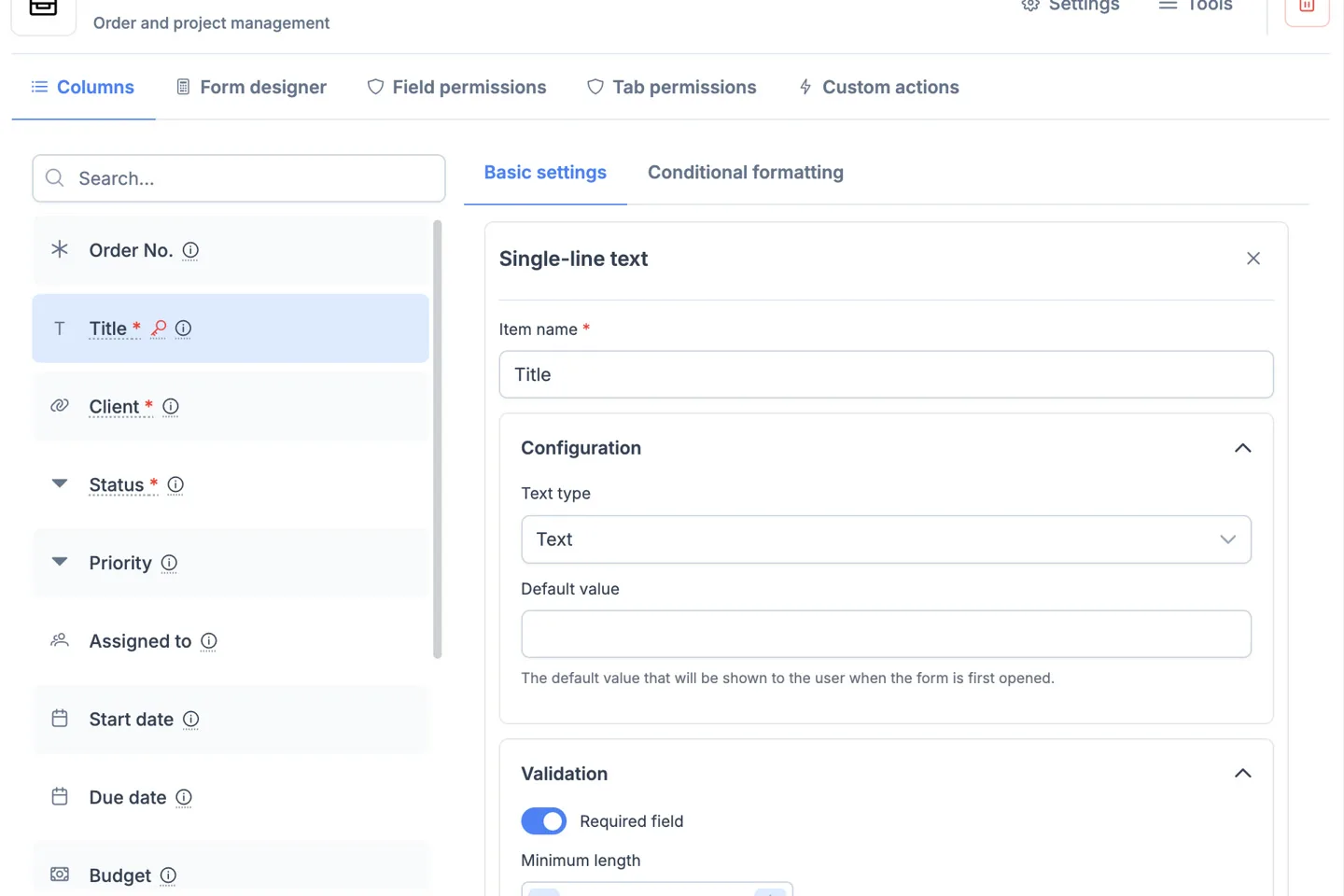
How is an app created?
Portiny works like building blocks. You simply build a system that mirrors your company structure.
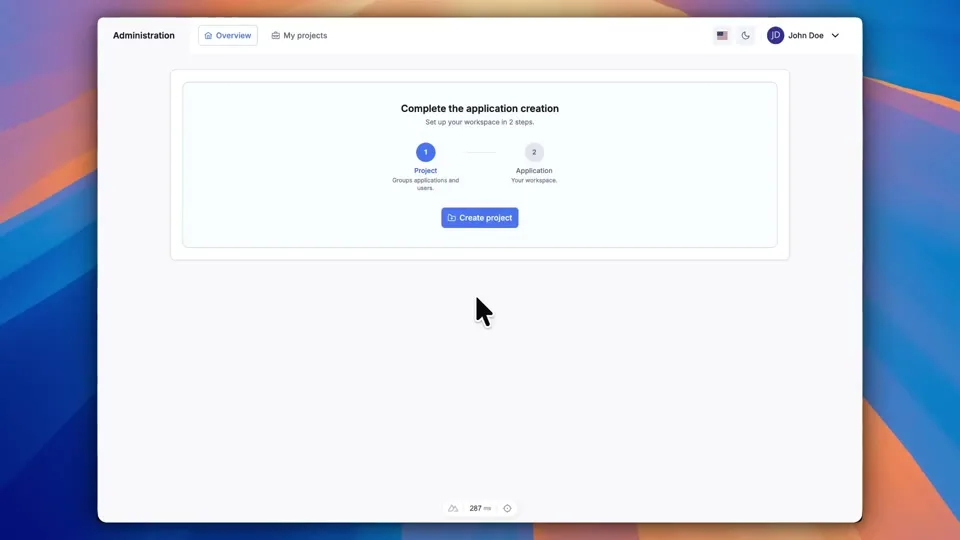
Create a Project
Create your company workspace. Here you will manage users, roles, and billing for your entire organization.
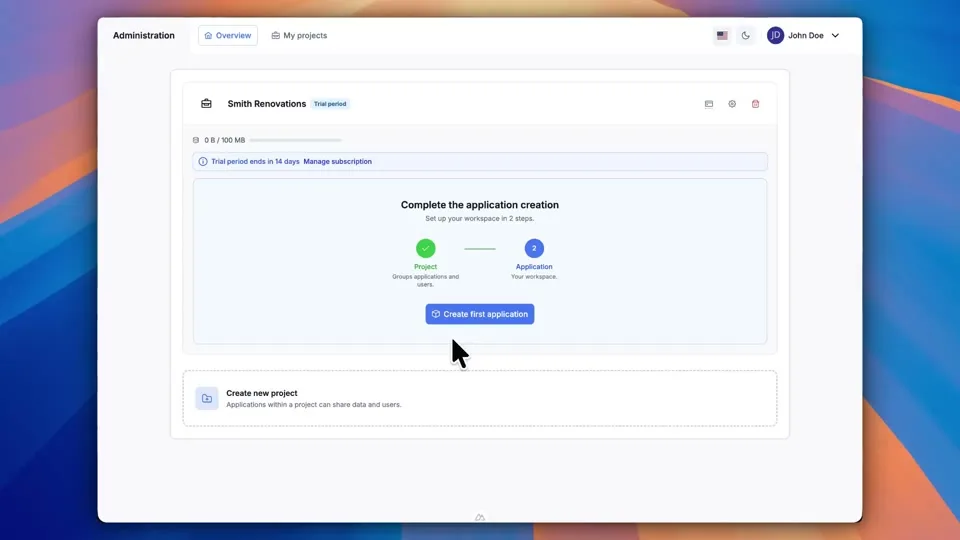
Add Apps
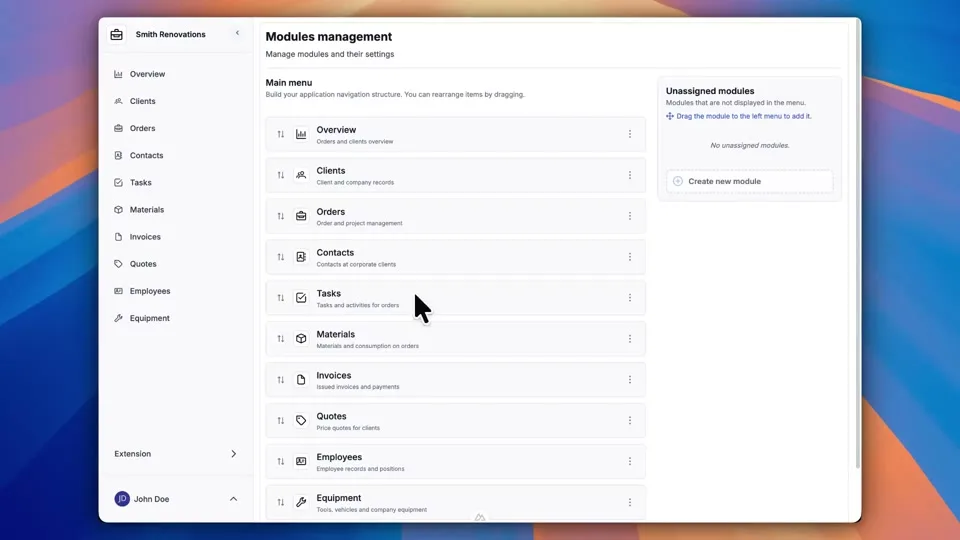
Divide your work into logical areas. For example, 'Sales' for dealers, 'Warehouse' for logistics, and 'HR' for personnel.
Define Forms
Determine what data you want to collect. The system automatically creates both the form and a clear table view.
Your app, ready in minutes
Forget expensive development. With Portiny, you assemble your own app like building blocks. Choose what you want to track, and the system adapts to you.
- Simple editor, no coding
- Over 20 field types (Text, Date, Files...)
- Instant deployment
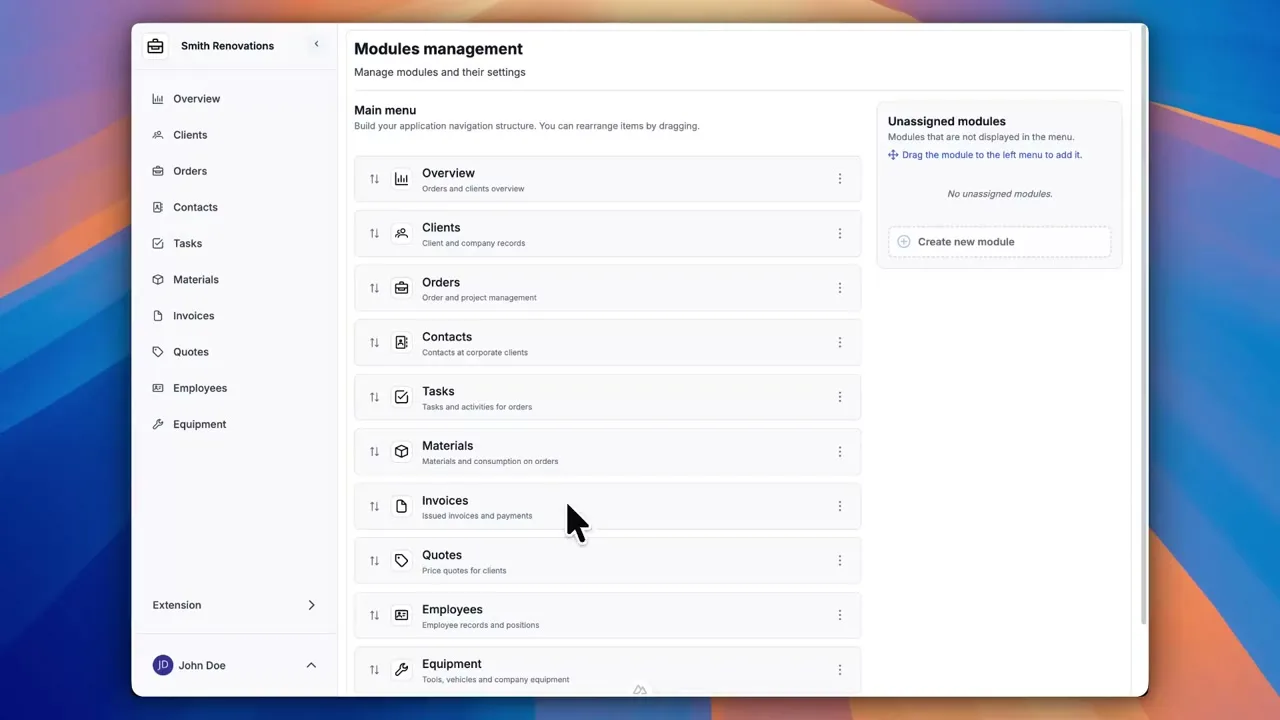
Data in context
Spreadsheets can't talk to each other. Portiny can. Link an Invoice to a Client, a Car to an Employee, or a Task to a Project. All in a single click.
- Automatic record linking
- Related data overview
- No more duplicate entries
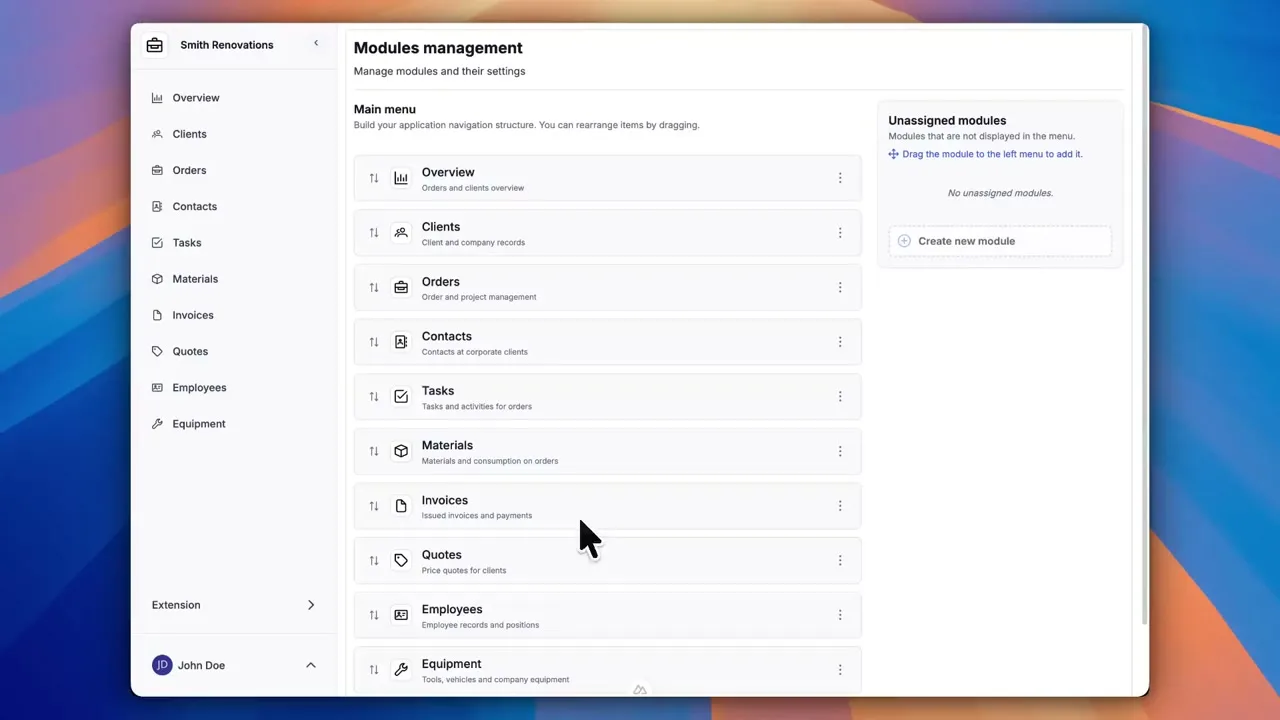
Documents and contracts in one click
Stop copying data into Word. Create templates for invoices, handover protocols, or contracts, and generate professional PDFs directly from your data.
- Custom templates with your logo
- Automatic data filling
- Bulk generation and printing
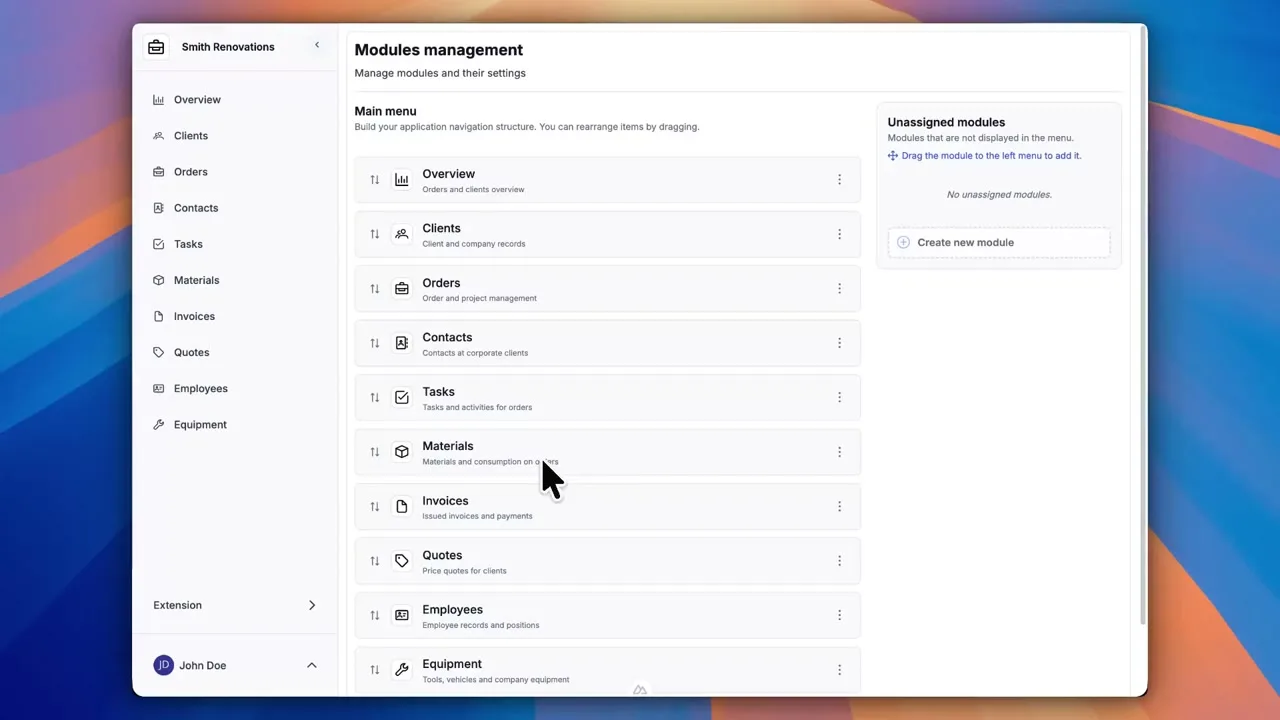
Approvals and processes under control
Set rules for your data. Need to approve leave? Lock an invoice after sending? Send an email on status change? The system handles it for you.
- Custom buttons (Approve, Cancel)
- Automatic email notifications
- Data protection against unwanted changes
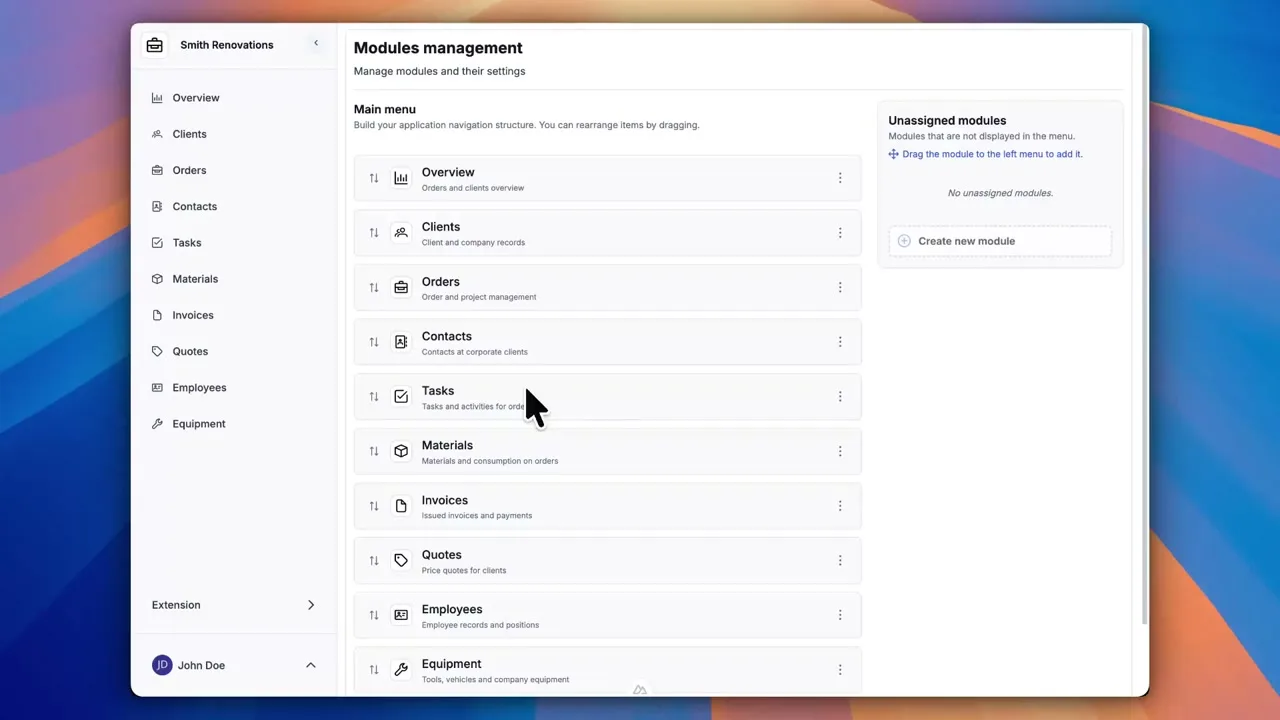
Discuss where the data is
No more hunting for context in emails. Discuss with colleagues directly on a specific order, invoice, or task. All communication stays with the record.
- Comments on every record
- Notifications for colleagues
- Change history and activity log
Ready to give it a try?
Build your own business system in minutes. No coding, no commitments.
Try for freeEverything you expect from a system
We've thought of every detail so nothing holds you back.
Smarter data management
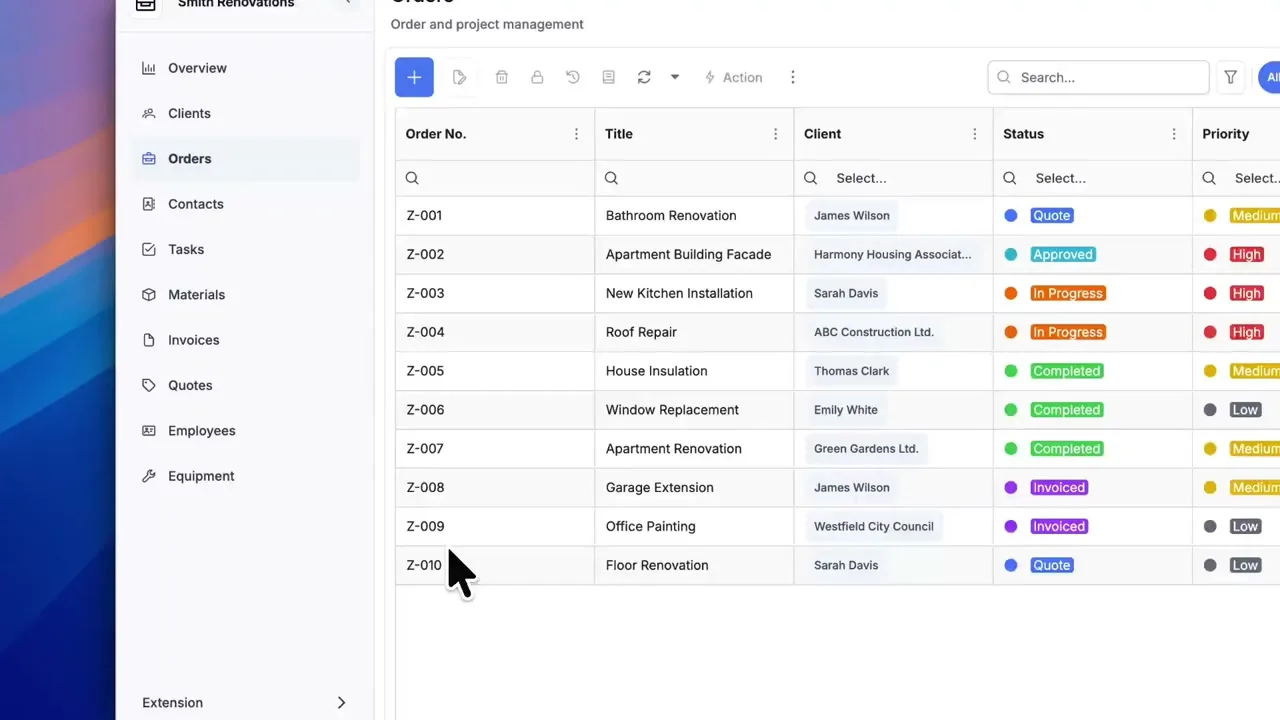
Smart Tables
Filter, sort, and group data just as easily as in Excel. Save custom views for quick access to what matters.
Learn more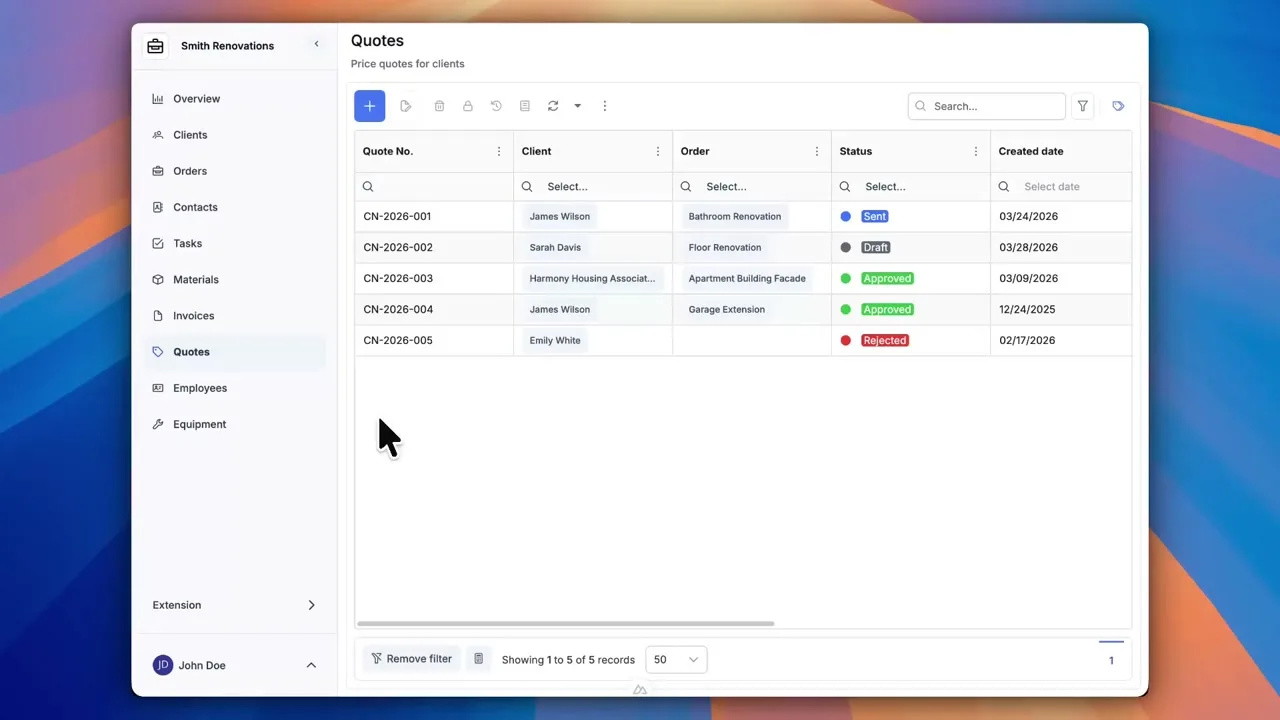
Conditional Formatting
Set rules to color-highlight data directly in the table. Overdue invoices or low stock levels will stand out at a glance.
Learn more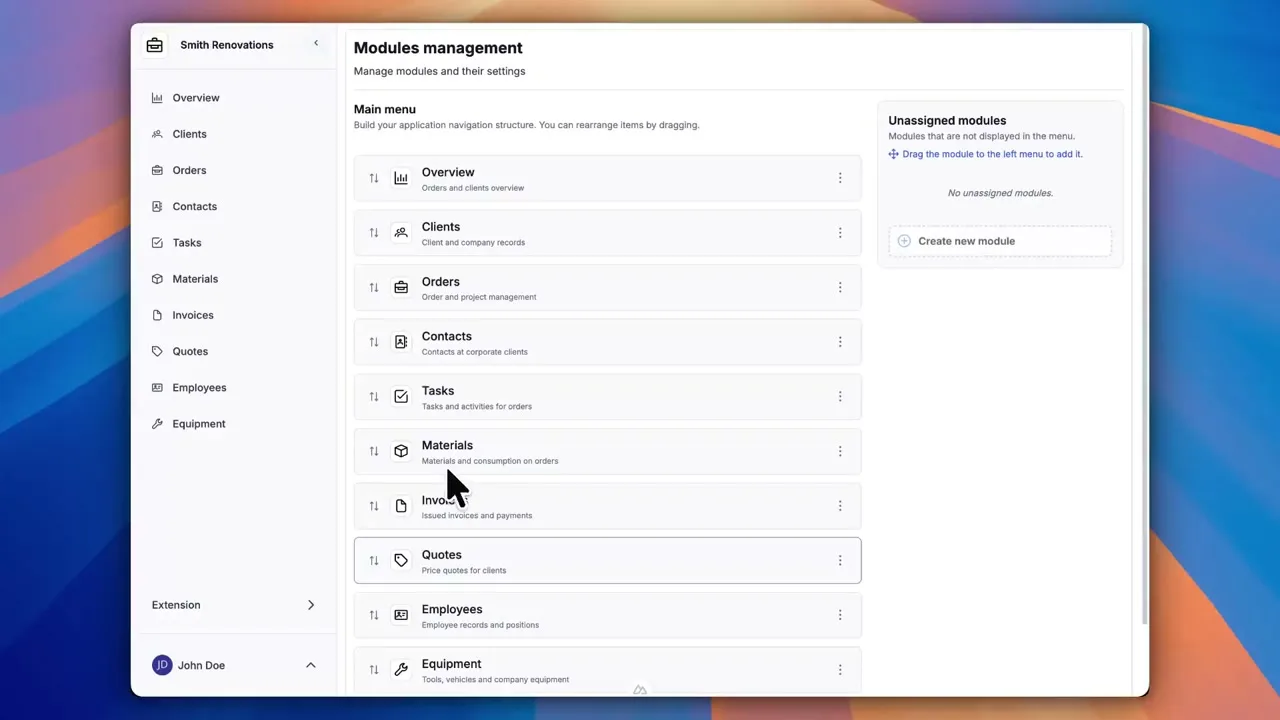
Computed Fields
Define your own formulas right inside a form. Calculate totals, margins, or combine text from multiple fields into one.
Learn more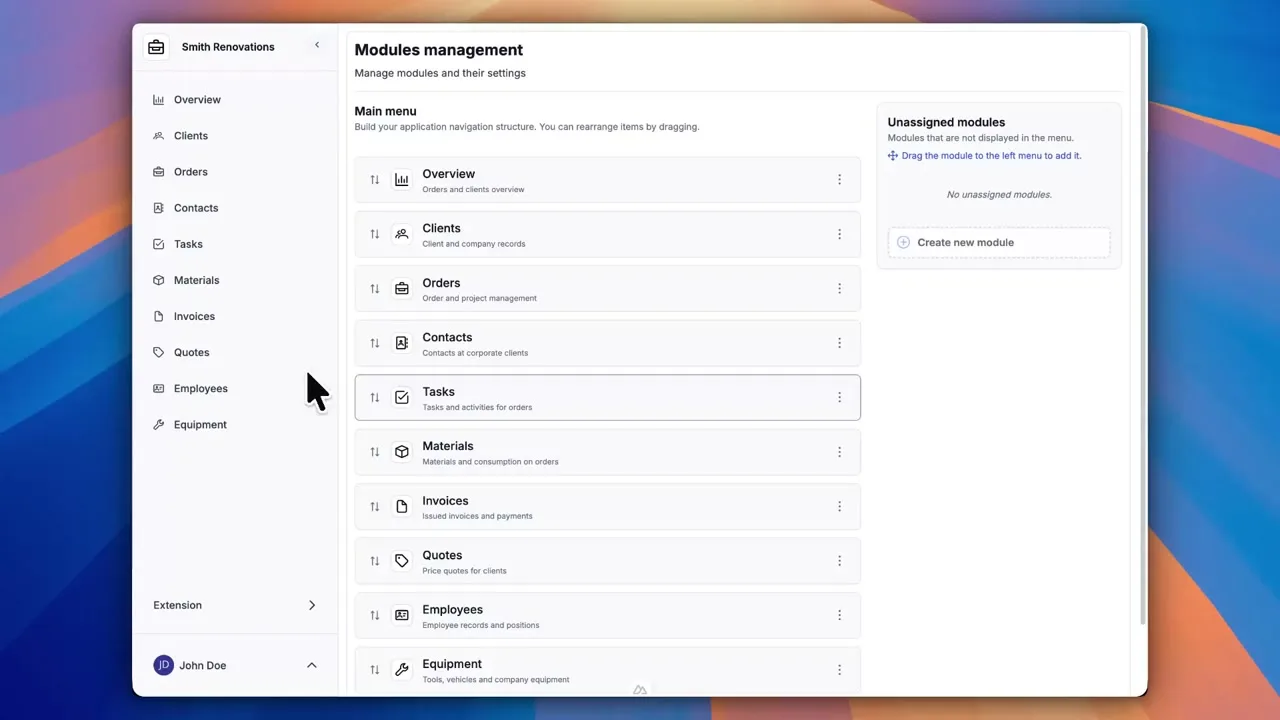
Data Export
Your data is yours. Download it to Excel or PDF for further analysis at any time.
Learn more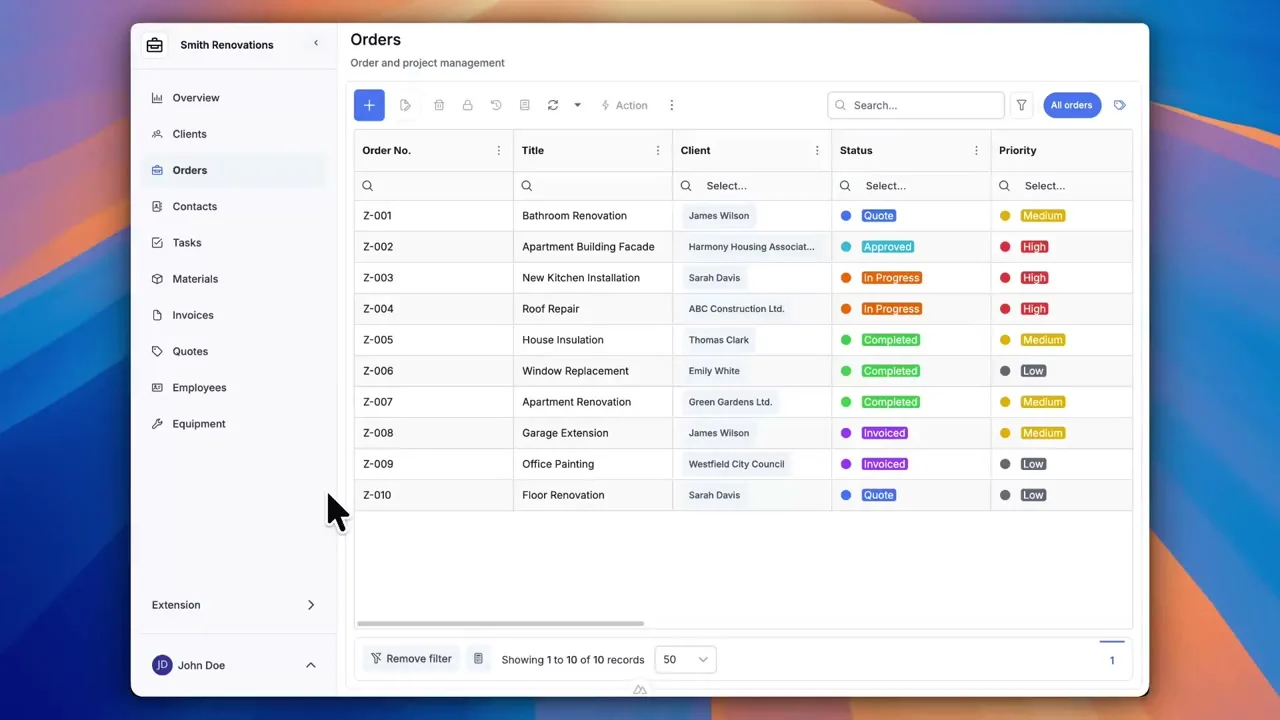
Your app, your way
Visual Dashboard
Build your own dashboard from KPI widgets, charts, and pivot tables. All your key business numbers clearly in one place.
Learn more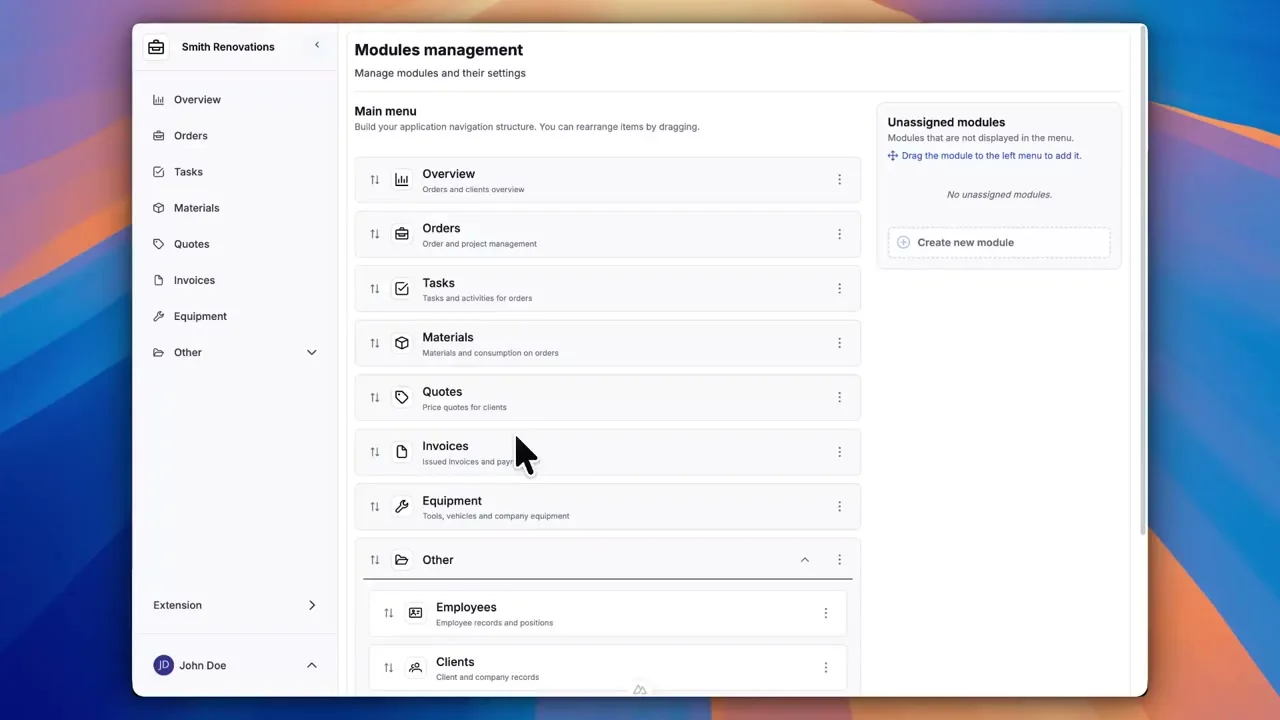
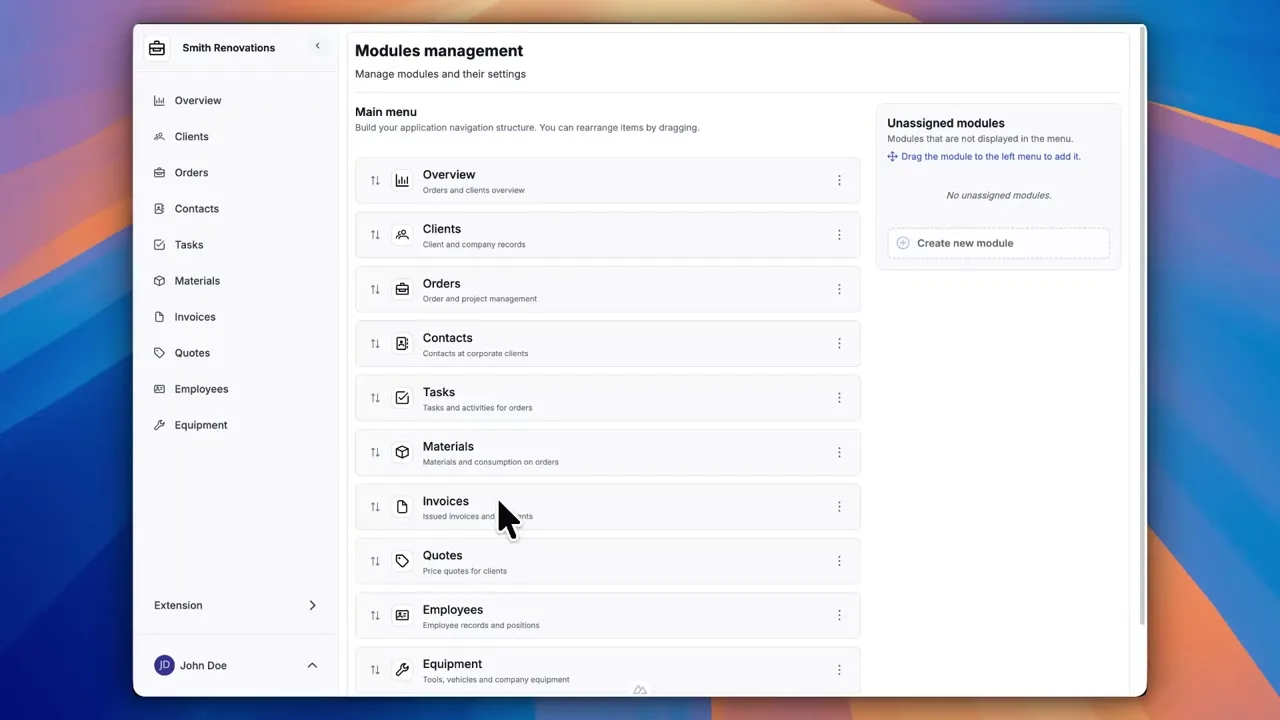
Custom Navigation
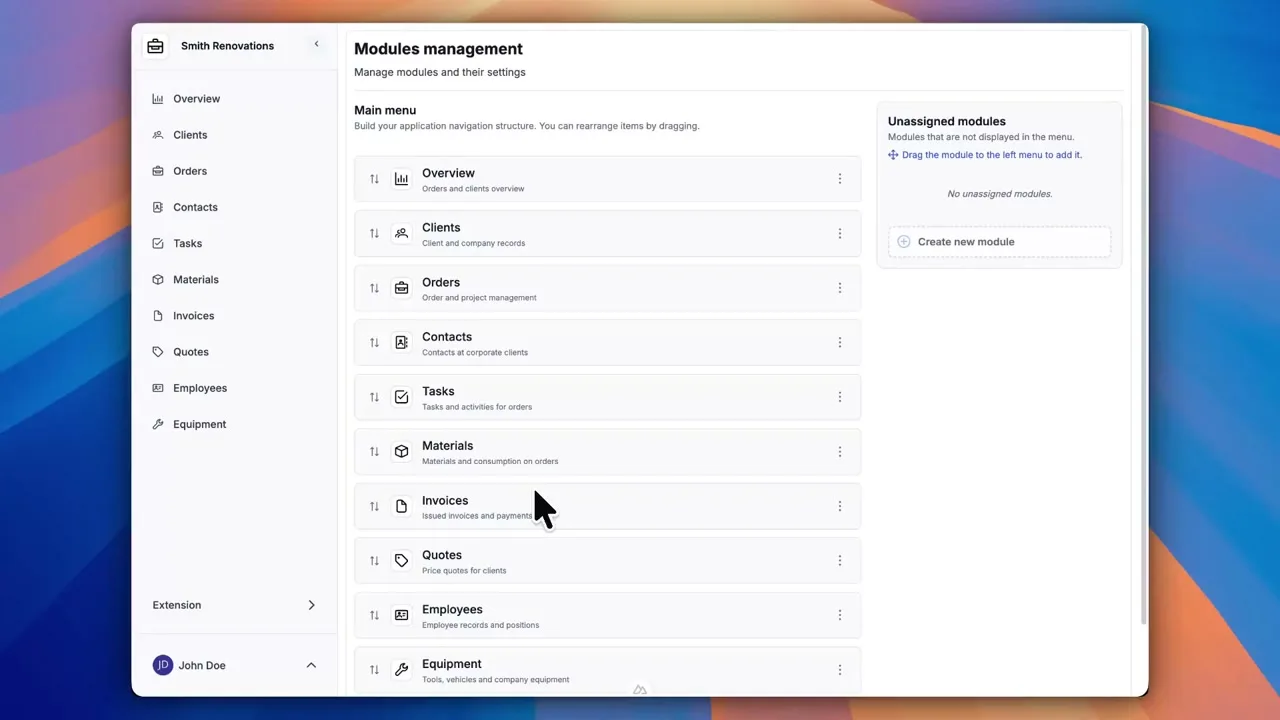
Arrange the sidebar menu with drag and drop. Group modules into folders, reorder items, and change icons — all in one go.
Learn more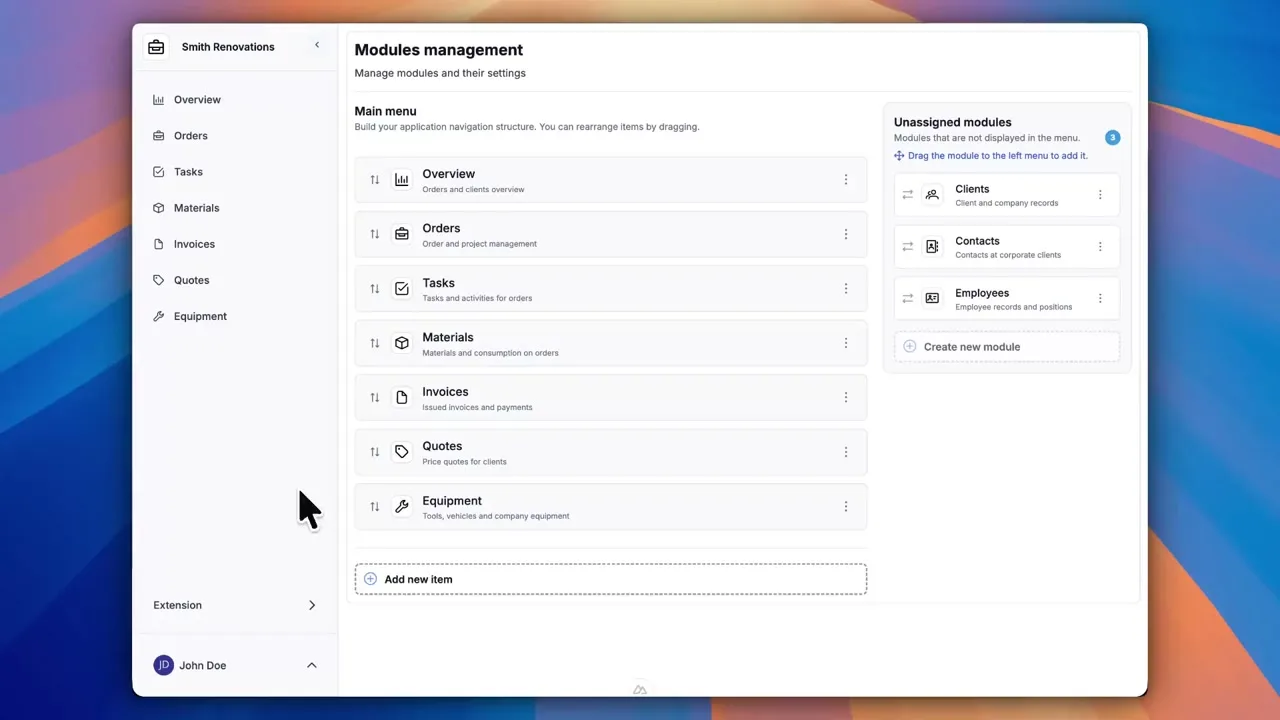
Form Tabs
Organize form fields into clear tabs. With larger modules, you'll never lose track of your data — everything is right where you expect it.
Learn more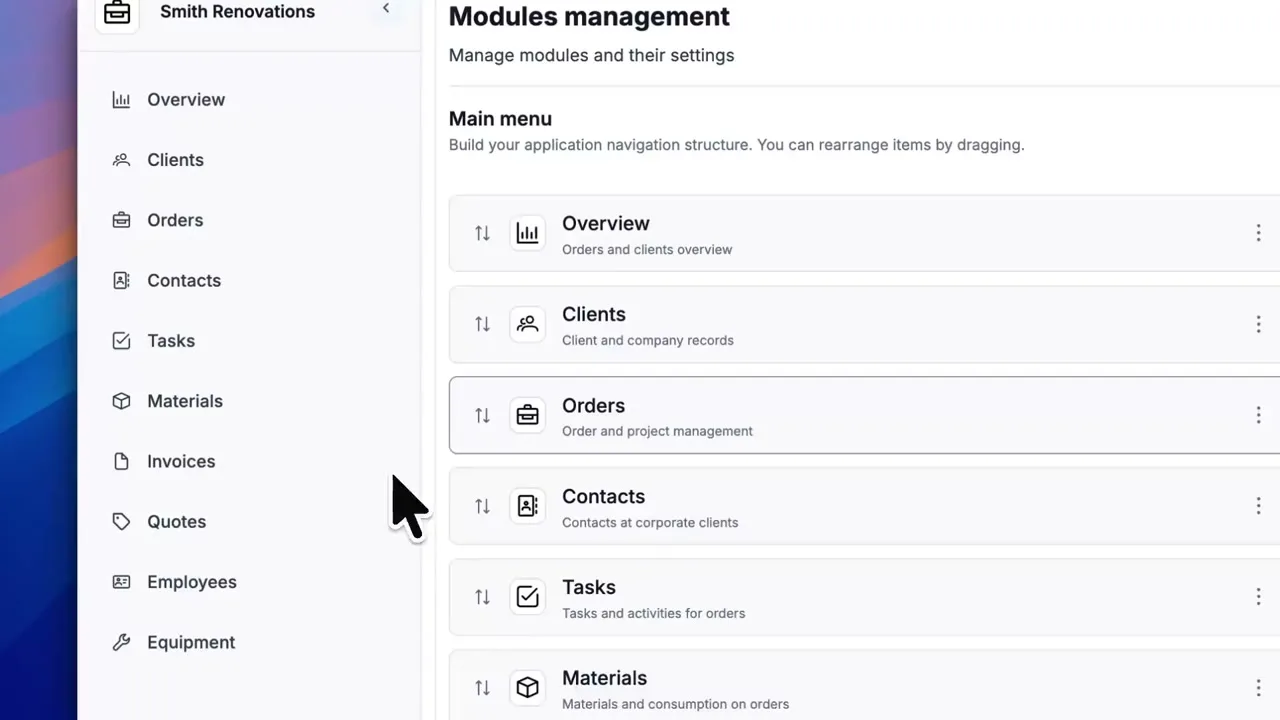
Asset Inventory
Run inventory checks right inside the app. Print QR codes for easy asset tracking and export results with a single click.
Learn more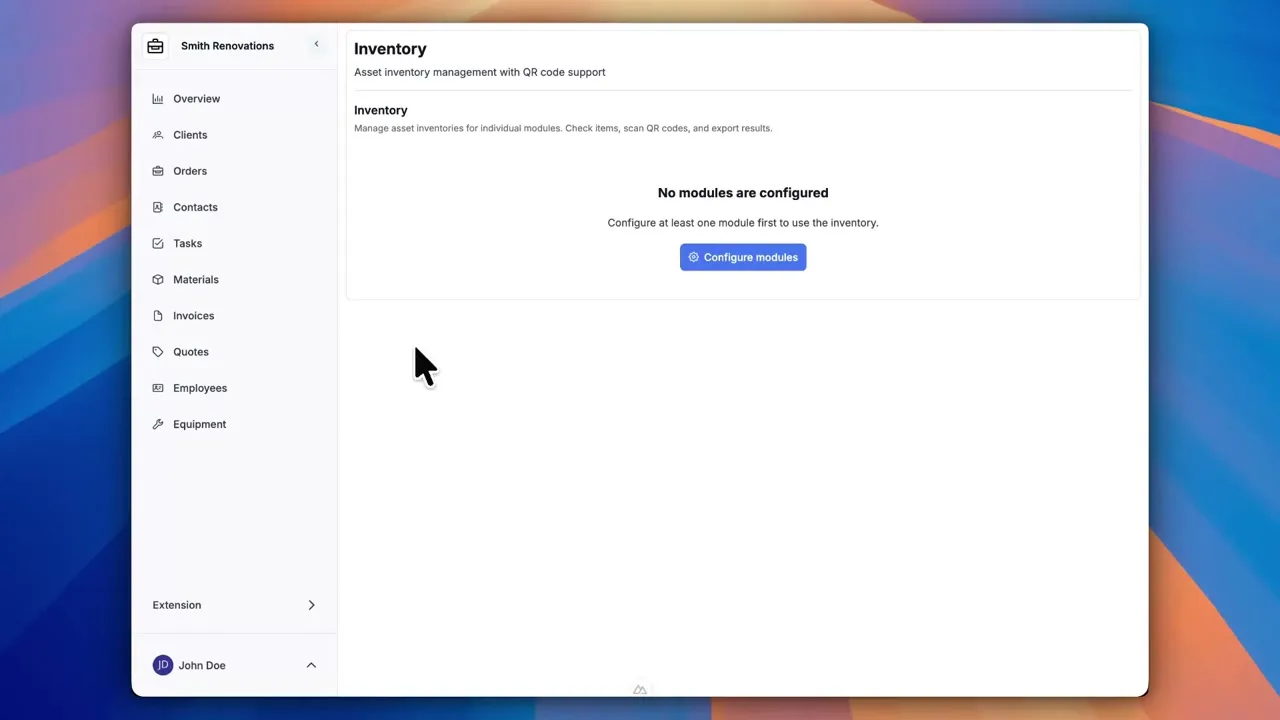
Security & control
Unlimited Users
Invite your entire team to the app. You don't pay per user — every plan includes unlimited colleagues.
Learn more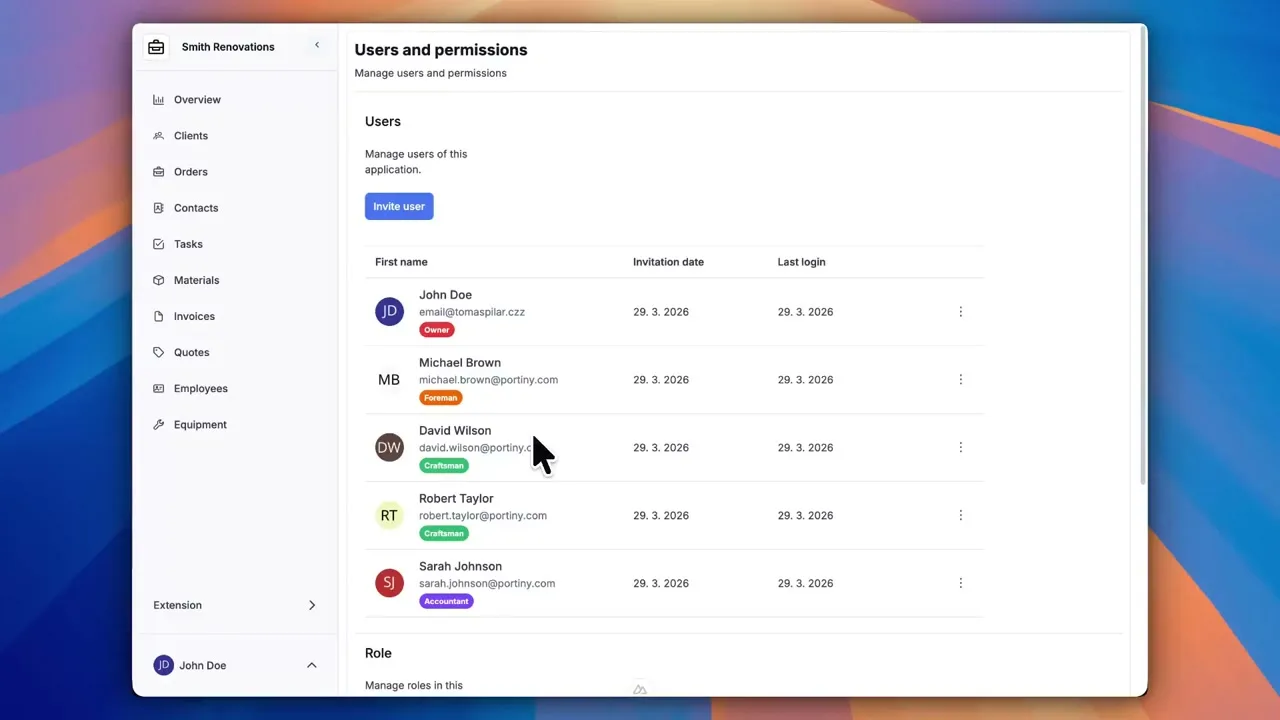
Custom Roles & Permissions
Create as many roles as you need and assign them to team members. One user can hold multiple roles at once, tailored to your organization.
Learn more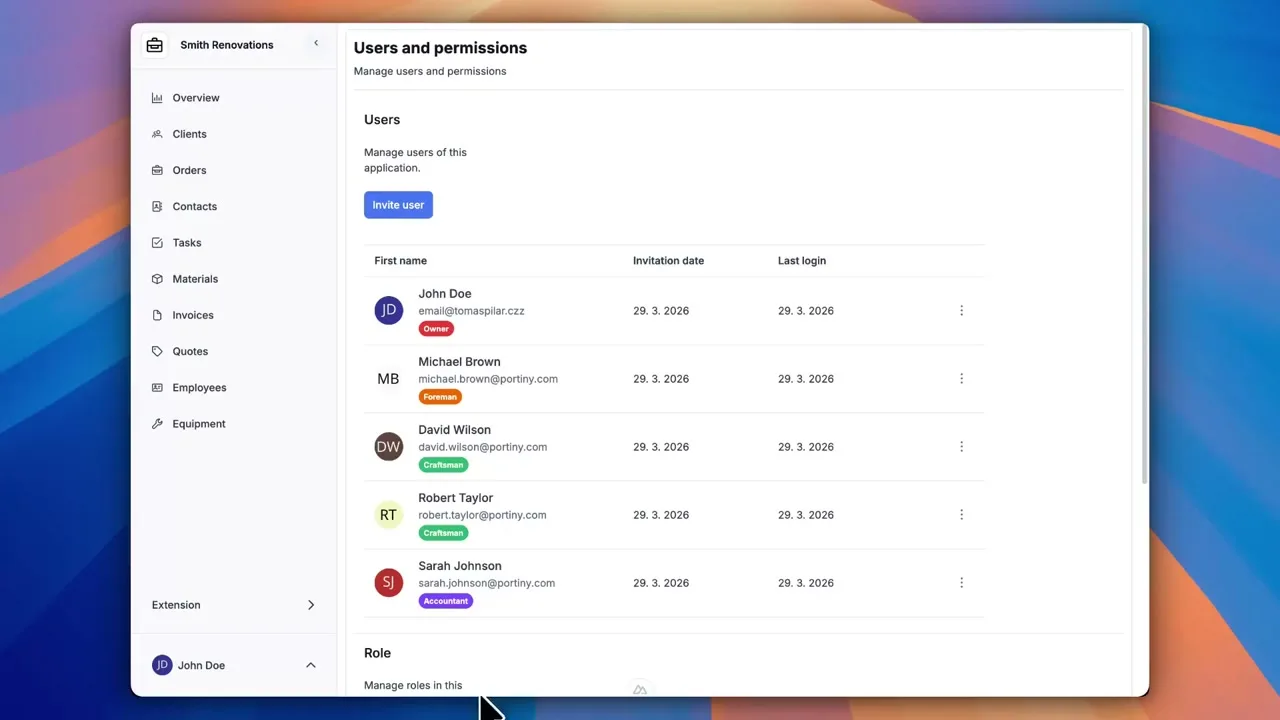
Data Protection
Lock important records (e.g., sent invoices) so no one can accidentally change them.
Learn more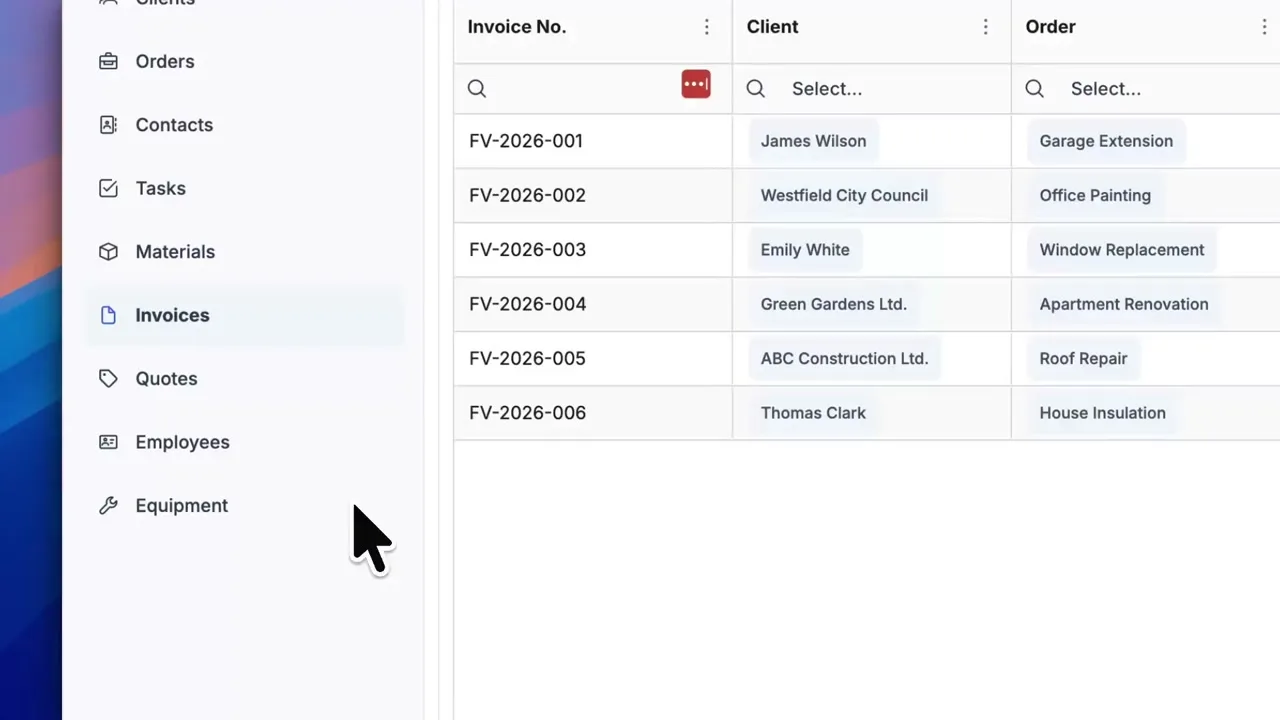
Change History
See exactly who modified a record and when. No more guessing who deleted important details.
Learn more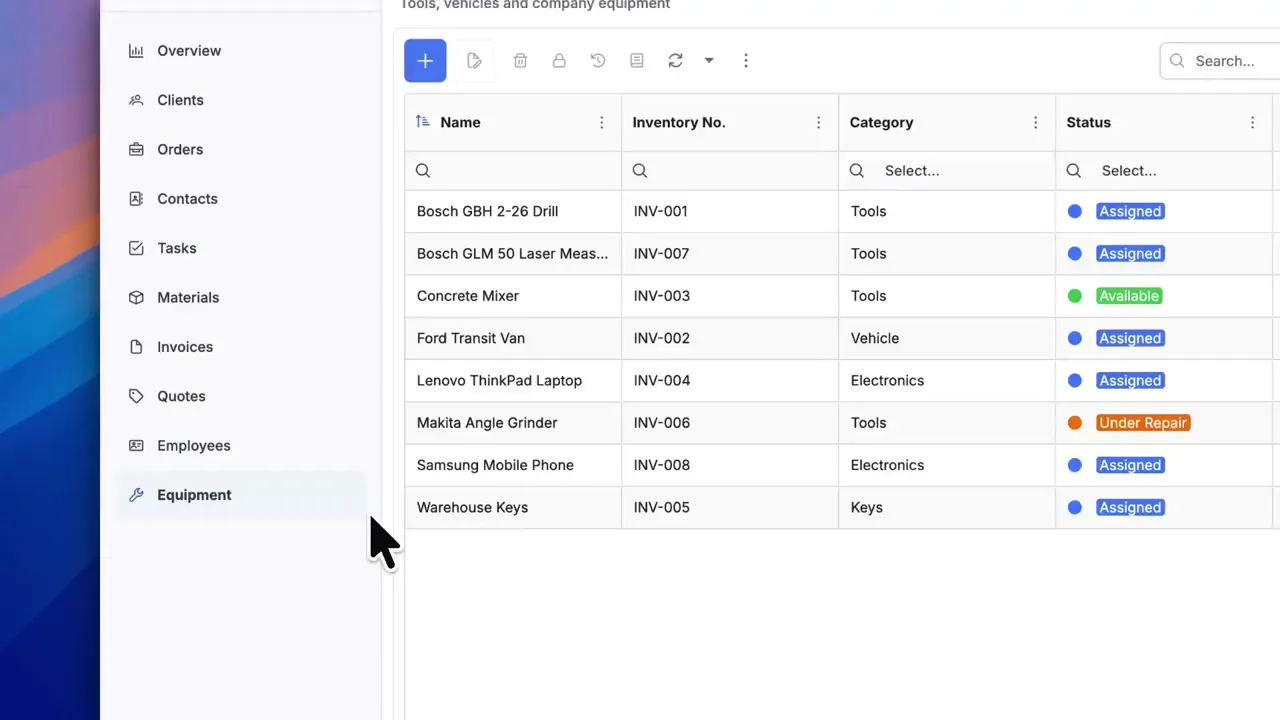
Try everything yourself
After signing up, you can create a demo project — a sample construction company with 9 modules and test data. Everything you see in the videos, you can click through and try yourself.
Pricing that makes sense
Transparent pricing with no commitments. Try it free for 14 days.
Standard
Enough space for invoices, contracts, and day-to-day work.
- 5 GB storageSpace for your files, images, and documents.
- Unlimited usersAdd as many colleagues to your team as you need. You don't pay per user.
- Unlimited appsCreate any number of apps (CRM, Warehouse, HR...).
- Unlimited recordsNo limits on the number of records in the database.
- Free custom subdomainYour application will run at your-company.portiny.com.
14-day free trial. No commitments.
Premium
For projects with photo documentation and large attachments.
- 50 GB storageSpace for your files, images, and documents.
- Unlimited usersAdd as many colleagues to your team as you need. You don't pay per user.
- Unlimited appsCreate any number of apps (CRM, Warehouse, HR...).
- Unlimited recordsNo limits on the number of records in the database.
- Free custom subdomainYour application will run at your-company.portiny.com.
14-day free trial. No commitments.
Add-on Services
Custom Domain
Run on your own domain (e.g., company.com)
Extra Storage
Increase by another 50 GB
FAQ
Hi, I'm stuck connecting inventory and orders. Can you guide me?
Hello! Sure. The best way is to use a 1:N relation. Check the module settings, or let me know and I'll show you in a short video.

Thanks for the quick reply! Got it now. That relation was exactly what I was missing.
Support that truly helps
We aren't just another anonymous help desk. We're the team that builds Portiny and knows it inside out. When you're stuck, you don't wait for a ticket — we help you both technically and personally. We solve your issues quickly so you can focus on what matters: your business.